
Money & payment · QR wallets · cards · checked 19 October 2026
Many Asian payment apps can pay in Japan without a Japanese account. The main route is PayPay, a Japanese QR payment service that accepts 35 overseas wallets through two networks, Alipay+ and HIVEX, including Alipay, WeChat Pay, GCash, Kakao Pay and Octopus. Through PayPay, each wallet works only at shops that accept its network, and Alipay+ wallets cannot pay at PayPay vending machines. PayPay is not the only route: FamilyMart also accepts Alipay+ and WeChat Pay at its own tills, by scanning a code shown in your app.
Venmo, Cash App, Zelle, PayPal, GrabPay, PayNow and UPI are on neither PayPay list. Apple Pay and Google Pay pay with the card added to the phone.
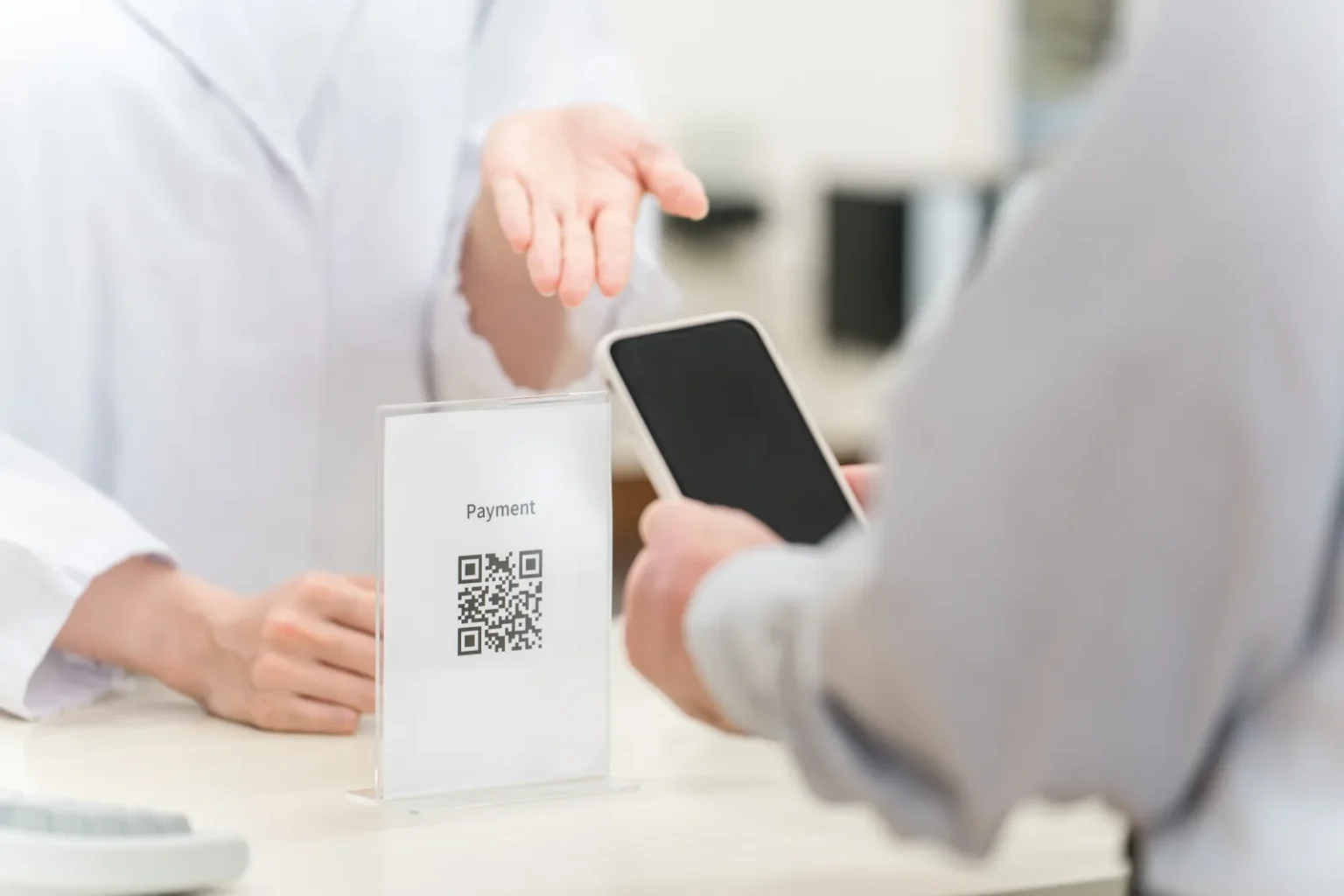
How a foreign wallet pays at a Japanese shop
Your app pays through PayPay, whose merchant help pages describe two services for visitors. Under Alipay+, users of a linked QR payment service “can pay with PayPay’s QR code when they visit Japan”. HIVEX works the same way for a second group of apps.
The two routes have different rules, and they decide if your app works at a given counter.
| Rule | Alipay+ | HIVEX |
|---|---|---|
| Does the shop have to sign up? | Yes, store by store | No; on unless the merchant switched it off |
| How you pay | You scan the shop’s QR only; fixed-amount QR codes cannot be used | You scan the shop’s QR; Octopus, JKO PAY, E.SUN Wallet, PXPay Plus and iPASS MONEY can also show a code for staff to scan, and the release listed the same for Taishin Pay+ and Plus Pay before they joined. PayPay’s October 2025 list gives WeChat Pay as scan-only |
| Vending machines and other dynamic-QR shops | Excluded | Not on PayPay’s exclusion list; Octopus excludes some vending machines |
| Excluded on PayPay’s page | PayPay Money-only and balance-only shops, shops that only scan customers’ codes, online shops, dynamic-QR shops, and shops selling goods covered by the Alipay+ special terms | PayPay Money-only shops, online shops |
Sources: PayPay merchant help on Alipay+ and HIVEX, and PayPay’s 3 October 2025 release for each app’s method (it does not cover the UnionPay App or Binance Pay), checked 19 October 2026. Octopus also excludes some taxis and vending machines.
Another route: FamilyMart
FamilyMart’s payment page says Alipay+ and WeChat Pay can be used at its stores: tell the staff which one you are using and show the barcode screen in your app for them to scan. The page names no individual Alipay+ wallets and excludes items such as bill payments, tickets, stamps and prepaid cards. Other chains were not checked.
What you do at the till
PayPay’s merchant help gives the same five steps for Alipay+ wallets and for HIVEX user-scan payments:
- Open the scan function in your own wallet app.
- Scan the shop’s PayPay QR code.
- Type the amount in Japanese yen.
- Show the staff the screen with the amount, then confirm the payment.
- Show the staff the payment-complete screen.
For Alipay+ payments no “PayPay” sound plays, so staff check your completion screen. Octopus, a HIVEX wallet, tells users to listen for the PayPay sound.
If you also need mobile data for the rest of your trip, compare Japan eSIM plans before you leave.
See eSIM optionsIf your phone does not take an eSIM, Japan SIM cards on Amazon Japan are another option; Amazon Japan delivery to your hotel explains how ordering from Japan works.
Your wallet in Japan, country by country
“Works with conditions” means the wallet is on one of PayPay’s current lists and, through PayPay, works only at shops that accept its network (QRIS is a separate route, at JPQR Global shops). FamilyMart also accepts Alipay+ and WeChat Pay through its own system. “Not confirmed” means official pages did not confirm current acceptance: the wallet is on neither PayPay list and we found no official page saying it pays in Japan, or (Changi Pay) PayPay’s own pages disagree. Other routes are not ruled out.
| Wallet (home) | In Japan | Source · checked |
|---|---|---|
| OCBC Digital, ShopeePay, BigPay (Singapore) | Works with conditions (Alipay+) | PayPay Alipay+ list · 19 October 2026 |
| PayNow, NETS, GrabPay (Singapore) | Not confirmed | Not on PayPay’s Alipay+ or HIVEX list · 19 October 2026 |
| Changi Pay (Singapore) | Not confirmed (PayPay sources disagree) | In PayPay’s 3 October 2025 release and with a how-to PDF on PayPay’s Alipay+ payment-flow page, but not on its current Alipay+ linked-service list · 19 October 2026 |
| TrueMoney, K PLUS, SCB Planet Plus, ShopeePay, BigPay (Thailand) | Works with conditions (Alipay+) | PayPay Alipay+ list · 19 October 2026 |
| PromptPay (Thailand) | Not confirmed | Not on either PayPay list · 19 October 2026 |
| Touch ’n Go eWallet, MyPB, BigPay (Malaysia) | Works with conditions (Alipay+) | PayPay Alipay+ list · 19 October 2026 |
| DuitNow QR, GrabPay (Malaysia) | Not confirmed | Not on either PayPay list · 19 October 2026 |
| GCash, HelloMoney by AUB (Philippines) | Works with conditions (Alipay+) | PayPay Alipay+ list; GCash newsroom · 19 October 2026 |
| Maya, GrabPay (Philippines) | Not confirmed | Not on either PayPay list · 19 October 2026 |
| QRIS apps such as BCA, Mandiri, BNI, BRI, GoPay, ShopeePay (Indonesia) | Works with conditions (JPQR Global shops only) | Bank Indonesia QRIS cross-border page · 19 October 2026 |
| DANA (Indonesia) | Not confirmed | Not on Bank Indonesia’s Japan list or either PayPay list · 19 October 2026 |
| AlipayHK (Hong Kong) | Works with conditions (Alipay+) | PayPay Alipay+ list · 19 October 2026 |
| Octopus App (Hong Kong) | Works with conditions (HIVEX), verified Wallet Plus or Pro | PayPay HIVEX list; Octopus Cards · 19 October 2026 |
| UPI apps (India) | Not confirmed | Not on either PayPay list · 19 October 2026 |
| Kakao Pay, NAVER Pay, Toss (Korea) | Works with conditions (Alipay+) | PayPay Alipay+ list · 19 October 2026 |
| JKO PAY, PXPay Plus, E.SUN Wallet, iPASS MONEY, Taishin Pay+, Plus Pay (Taiwan) | Works with conditions (HIVEX) | PayPay HIVEX list · 19 October 2026 |
| Alipay (mainland China) | Works with conditions (Alipay+) | PayPay Alipay+ list · 19 October 2026 |
| WeChat Pay, UnionPay App (China) | Works with conditions (HIVEX) | PayPay HIVEX list · 19 October 2026 |
| Mpay (Macau) | Works with conditions (Alipay+) | PayPay Alipay+ list · 19 October 2026 |
| MoMo, VCB Digibank, Zalopay (Vietnam) | Works with conditions (Alipay+) | PayPay Alipay+ list · 19 October 2026 |
| Bluecode (Germany, Austria), Tinaba (Italy) | Works with conditions (Alipay+) | PayPay Alipay+ list · 19 October 2026 |
| Venmo, Cash App, Zelle, PayPal (US and elsewhere) | Not confirmed | Not on either PayPay list · 19 October 2026 |
Also listed: Hipay (Mongolia), HUMO (Uzbekistan), Kaspi.kz (Kazakhstan) and NayaPay (Pakistan) on Alipay+; Binance Pay (outside Japan and the US) on HIVEX from 30 September 2026.
Wallets with their own Japan pages
GCash. GCash’s January 2025 announcement on paying at PayPay merchants describes showing a code for the shop to scan; PayPay lists Alipay+ at its shops as customer-scan only.
Octopus. This is the Octopus App’s “PayPay QR Payment in Japan” feature, not the plastic card. Octopus Cards says verified Wallet Plus and Pro customers can use it without applying, in person only, by scanning the shop’s code or showing one.
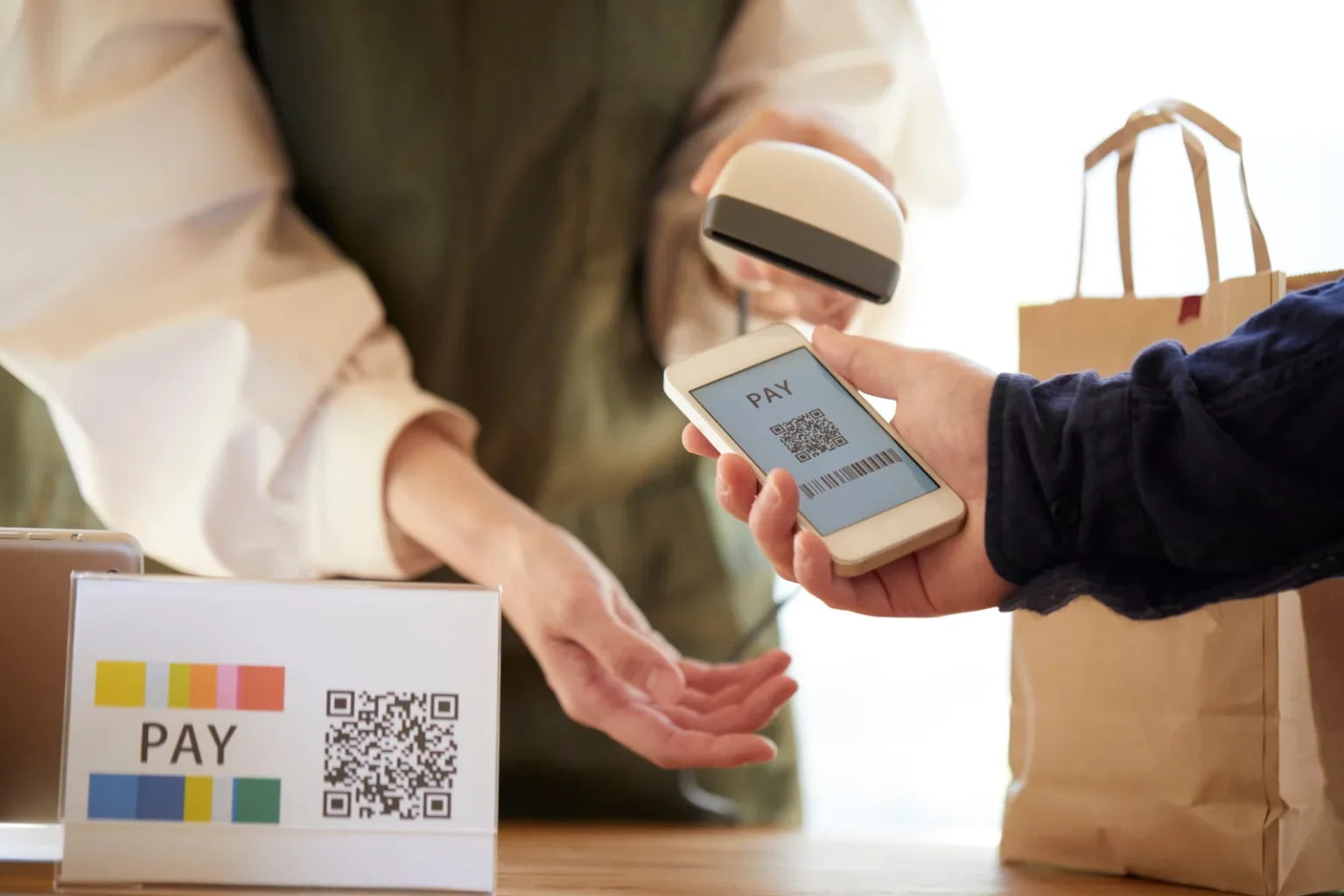
Indonesia: QRIS works through a different network
Indonesia’s QRIS uses a separate route; PayPay’s Alipay+ list names ShopeePay for Singapore and Thailand, not Indonesia. Bank Indonesia announced that from 17 August 2025 Indonesians can pay by scanning a JPQR Global code with their usual app at participating merchants; look for the JPQR Global logo. It counted 35 merchants at launch, and its 25 August 2025 release names Expo 2025 Osaka, which closed on 13 October 2025, and some merchants at Haneda Airport. No current merchant count was published on the pages checked on 19 October 2026.
Bank Indonesia lists the providers taking part for Japan, among them BCA, Bank Mandiri, BNI, BRI, GoPay and ShopeePay; the limit is Rp10,000,000 per transaction.
Apple Pay, Google Pay, Revolut, Wise and Monzo
These are not on PayPay’s QR lists. Apple Pay and Google Pay pay with a card added to the phone, so the card’s network, the shop’s terminal and your issuer’s conditions decide. JNTO says Visa, JCB and Mastercard are the most widely accepted cards, that contactless payment works at most major convenience stores, and that Apple Pay, Google Pay and Alipay “sometimes cannot be used in Japan”.
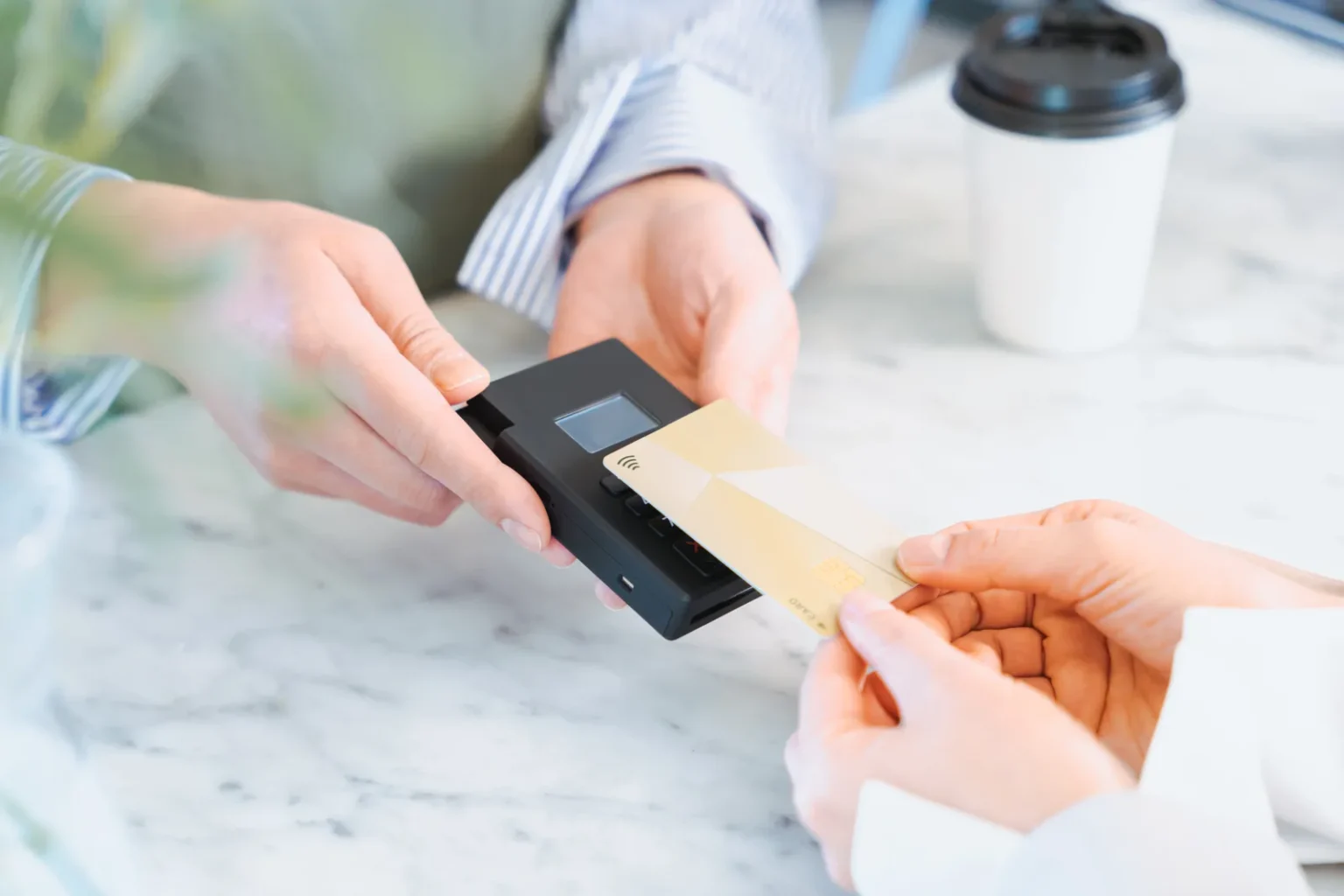
Wise’s Singapore site says Wise cards work wherever Visa or Mastercard is accepted, and that Singapore-issued accounts can also pay Alipay+ QR codes in Japan from the app. Revolut and Monzo were not checked; look for the Visa or Mastercard logo on your card.
Where cards work and where cash is still needed: Japan cash vs card in 2026.
T-money, EZ-Link, Octopus card, Oyster: not confirmed for Japanese gates
JNTO’s cashless page says nationwide IC cards such as Suica and PASMO work on trains, buses and in shops across Japan. It mentions no overseas transit card, and no official source checked on 19 October 2026 lists T-money, EZ-Link, the Octopus card, Oyster, Opal or EasyCard for Japanese gates. The Octopus deal with PayPay covers the app at shops.
For trains, get a Japanese IC card. JNTO notes that IC cards bought at ticket machines must be paid in cash, most carry a 500 yen deposit (JNTO adds that some IC cards for tourists need no deposit), and machine top-ups are cash only. How to buy one and where each card works: IC cards in Japan: Suica, PASMO and ICOCA.

What to carry as well as your wallet app
- A Visa or Mastercard (or JCB). JNTO says international-brand credit, debit and prepaid cards are generally accepted, and can pay for the Narita Express and shinkansen, but not always short train or subway fares.
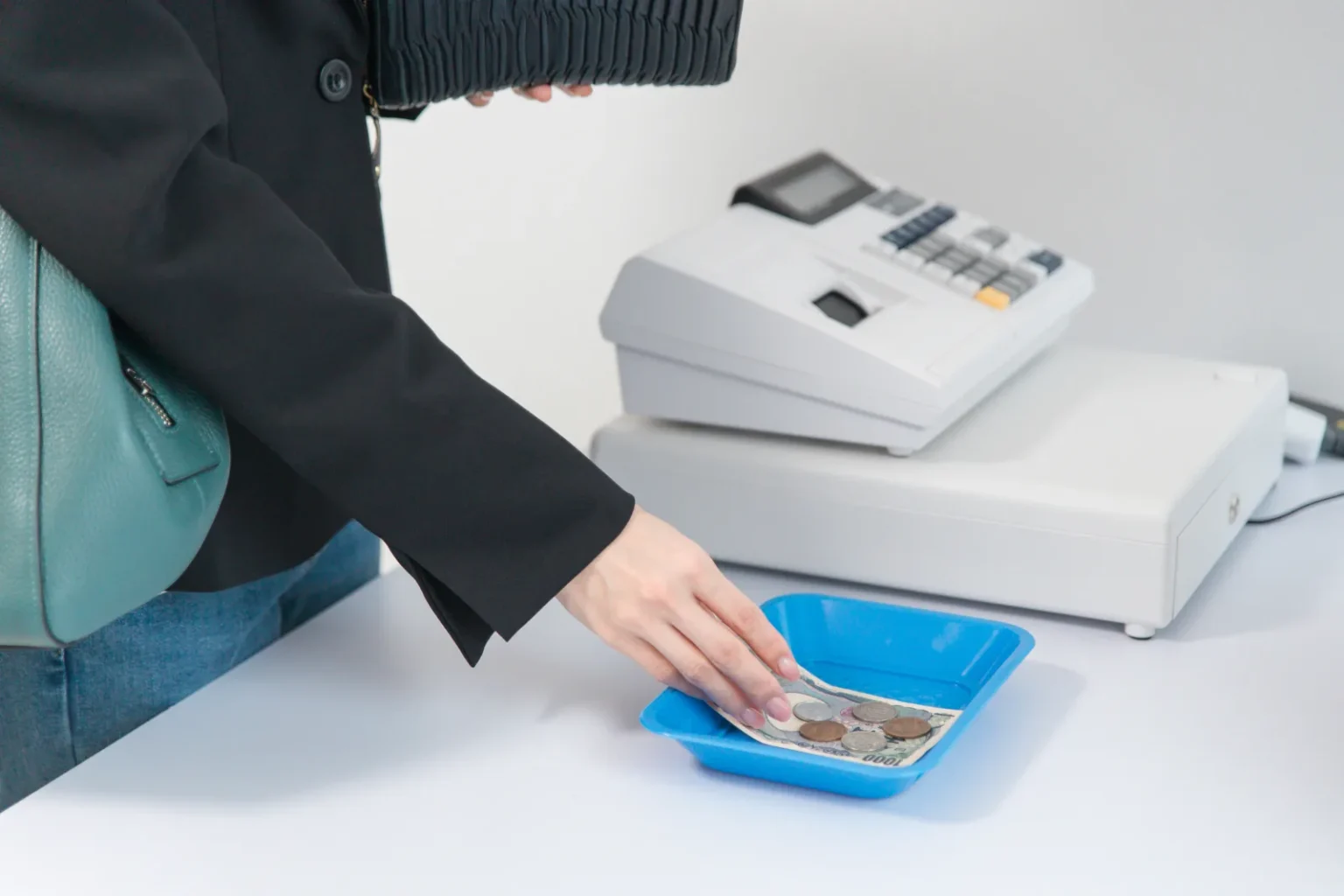
- Some yen in cash. JNTO warns that many places, especially in rural areas, may still take only cash, even hotels. PayPay vending machines are excluded from Alipay+, and IC cards are bought and topped up at machines with cash. JNTO names Japan Post Bank and Seven Bank ATMs for cash withdrawals; opening hours and ATM tips are in when banks close in Japan. A coin case (Amazon Japan) keeps the change apart from your notes.
- An IC card such as Suica or PASMO for trains and buses.
- Your wallet app, set up before you fly. Octopus, for example, requires a verified Wallet Plus or Pro account. When the phone is your wallet and your map, a power bank (Amazon Japan) is worth carrying.
Passport, receipts and the rules for tax-free purchases: Japan tax-free shopping 2026.
Questions travellers ask
Can I use Alipay in Japan?
Yes, with conditions. Alipay (mainland China) is on PayPay’s Alipay+ list, checked 19 October 2026. You scan the shop’s PayPay QR code and type the amount in yen. At PayPay shops it needs the shop to have Alipay+ switched on, and not vending machines or online. FamilyMart’s page also lists Alipay+, but does not name individual wallets.
Can I use GCash in Japan?
Yes, with conditions. GCash is on PayPay’s Alipay+ list, and GCash’s own announcement says users can pay at PayPay merchants across Japan. At PayPay shops, use the scan function in GCash on the shop’s PayPay QR code; PayPay vending machines and shops that have not switched on Alipay+ are excluded.
Does Kakao Pay work in Japan?
Yes, with conditions. Kakao Pay has been accepted at PayPay shops since 27 April 2020 and is now on PayPay’s Alipay+ list, along with NAVER Pay and Toss. You scan the shop’s PayPay QR code; the shop must have Alipay+ switched on.
Can I use WeChat Pay in Japan?
Yes, with conditions. WeChat Pay joined PayPay’s HIVEX network on 16 September 2025. At PayPay shops it works unless the merchant has switched HIVEX off, by scanning the shop’s code (PayPay, October 2025); PayPay Money-only and online shops are excluded. FamilyMart also accepts WeChat Pay at its tills.
Can I use Venmo, Cash App or Zelle in Japan?
Not confirmed. None of them is on PayPay’s Alipay+ or HIVEX list, checked 19 October 2026, and we found no official page saying they pay at Japanese shops. If they come with a Visa or Mastercard debit card, the card is what you can use.
Can I use my Octopus card or T-money on Japanese trains?
Not confirmed. No official source we checked on 19 October 2026 lists any overseas transit card for Japanese ticket gates. The Octopus link with PayPay is for the Octopus App at shops. Use a Japanese IC card such as Suica or PASMO.
Japan Cash vs Card in 2026
Where cards work and where cash is still needed.
IC Cards in Japan
Suica, PASMO and ICOCA: buying, topping up, using.
When Do Banks Close in Japan?
Bank and ATM hours, and avoiding a cash shortage.
Sources
- Checked 19 October 2026 — PayPay merchant help (Japanese): What is Alipay+ (linked services, excluded merchants, user-scan only); adding Alipay+ stores (store-by-store application, Alipay+ stickers discontinued); Alipay+ payment flow (steps, no PayPay sound); What is HIVEX (linked services, start dates, no application needed); HIVEX payment flow
- Checked 19 October 2026 — PayPay press releases: Kakao Pay and AlipayHK (27 April 2020); JKO Pay, PXPay Plus and E.SUN Wallet (23 August 2023); Octopus and Taishin Pay+, full list of 28 services (3 October 2025)
- Checked 19 October 2026 — Wallet providers: GCash / Mynt newsroom (January 2025); Octopus Cards PayPay QR Payment in Japan and FAQ; Wise Singapore, using the Wise card in Japan
- Checked 19 October 2026 — Bank Indonesia: press releases No. 27/193/DKom (17 August 2025) and No. 27/198/DKom (25 August 2025); QRIS cross-border page (participating providers, JPQR Global logo, limit); Expo 2025 Osaka, overview (dates: 13 April to 13 October 2025)
- Checked 19 October 2026 — FamilyMart: barcode payment (Alipay+ and WeChat Pay) (staff scan the code in your app; items that cannot be paid for)
- Checked 19 October 2026 — Japan National Tourism Organization: Cashless payments in Japan; Credit cards
Join travelers discovering Japan's hidden side
Weekly dispatches from off-the-beaten-path Japan — spots and stories you won't find in guidebooks.
No spam. Unsubscribe anytime.
Welcome aboard!
You're in. See you in your inbox soon.